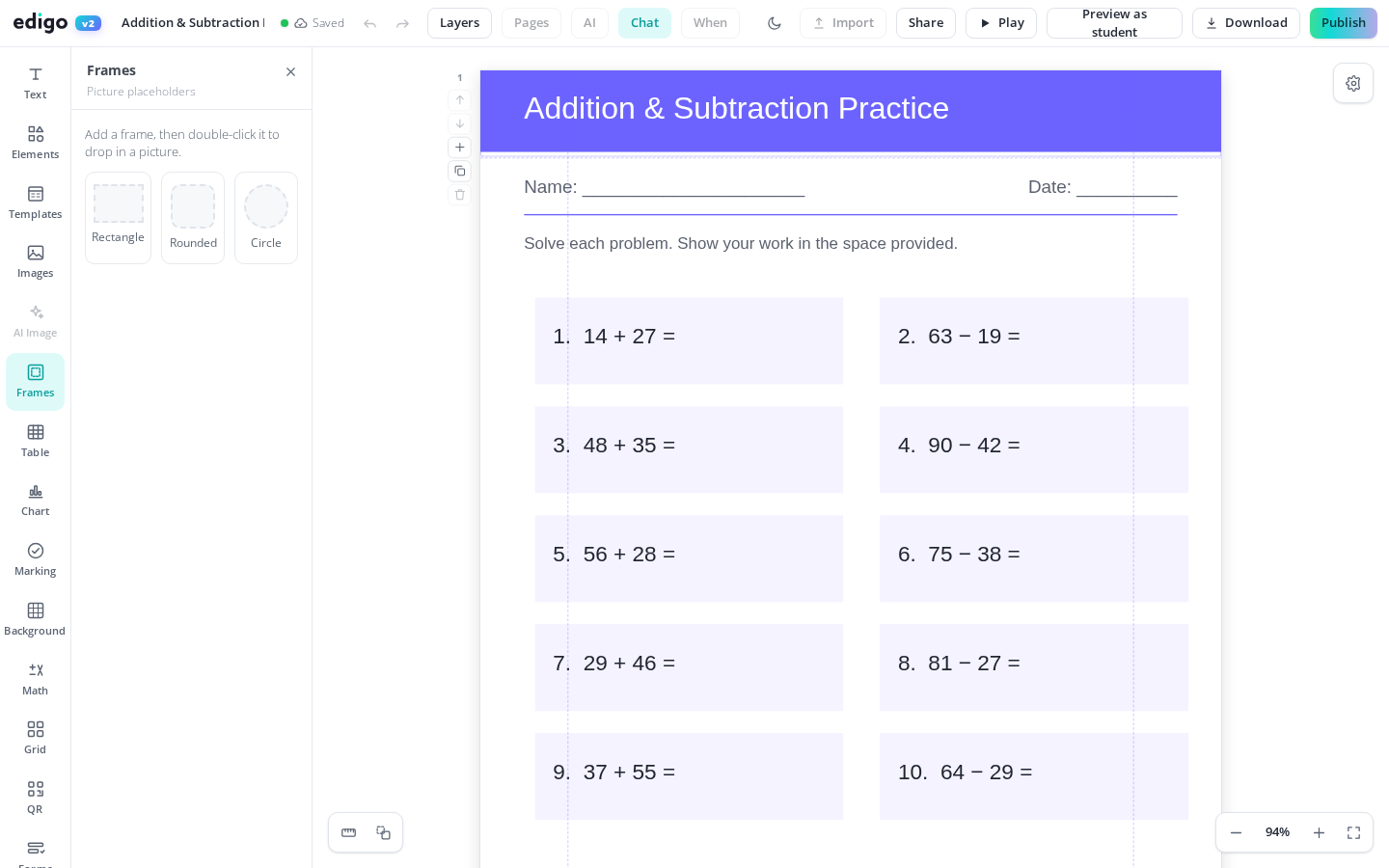
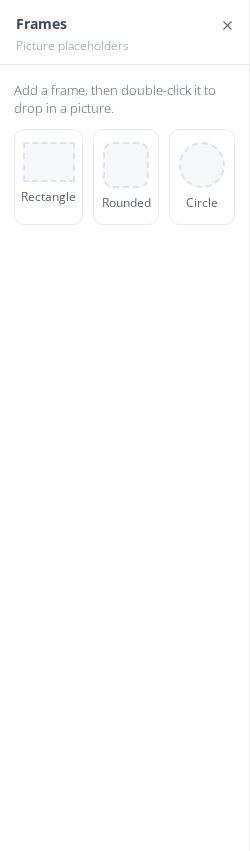
Image frames turn ordinary photos into polished design elements. Drag a picture into a circle, star, heart or device mockup and Edigo crops it to the shape automatically - no fiddly masking. It is the fastest way to make class displays, newsletters and worksheets look professionally designed, and it is completely free for teachers.
Pull any photo onto a frame and it snaps inside, cropped to fit the shape. Reposition or zoom the image within the frame until it looks just right.
Circles for pupil-of-the-week displays, stars for reward charts, classic frames for class memories, and device mockups for e-safety or media lessons - there is a shape to match the task.
Frames give layouts structure without needing design skills. A grid of circle-framed photos instantly reads as a class display, and a single framed image lifts a plain worksheet.
Reuse last year's layout by dropping new photos into the same frames. The composition stays exactly as you designed it while the pictures change with each new class.
Think of every display that used to mean printing photos, cutting circles by hand and hoping they matched: birthday walls, meet-the-team boards, star-of-the-week posters. With image frames you lay out the shapes once, drop the photos in, and print a finished board. When someone new joins the class, you swap one picture instead of remaking the wall.
Framing a photo well is really a cropping problem, and frames solve it for you. The image fills the shape edge to edge, and you slide or zoom it inside the mask until the face or object sits where you want. Every photo in a set ends up the same size and shape, which is what makes a layout feel deliberate.
Yes. Frames are part of Edigo's free editor for teachers, so you can use as many shaped frames as you like in any design at no cost.
Yes. After dropping a photo in, you can reposition and zoom it within the shape, so the important part of the picture is always the part that shows.
You will find circles, stars, hearts and other classic shapes, plus device mockups like phone and tablet screens - handy for e-safety posters and media literacy resources.
Of course. Upload photos of your classroom, trips or displays and drop them straight into frames, alongside any other images you already use in your Edigo designs.
Join thousands of teachers using Edigo — free to start.
Start for free