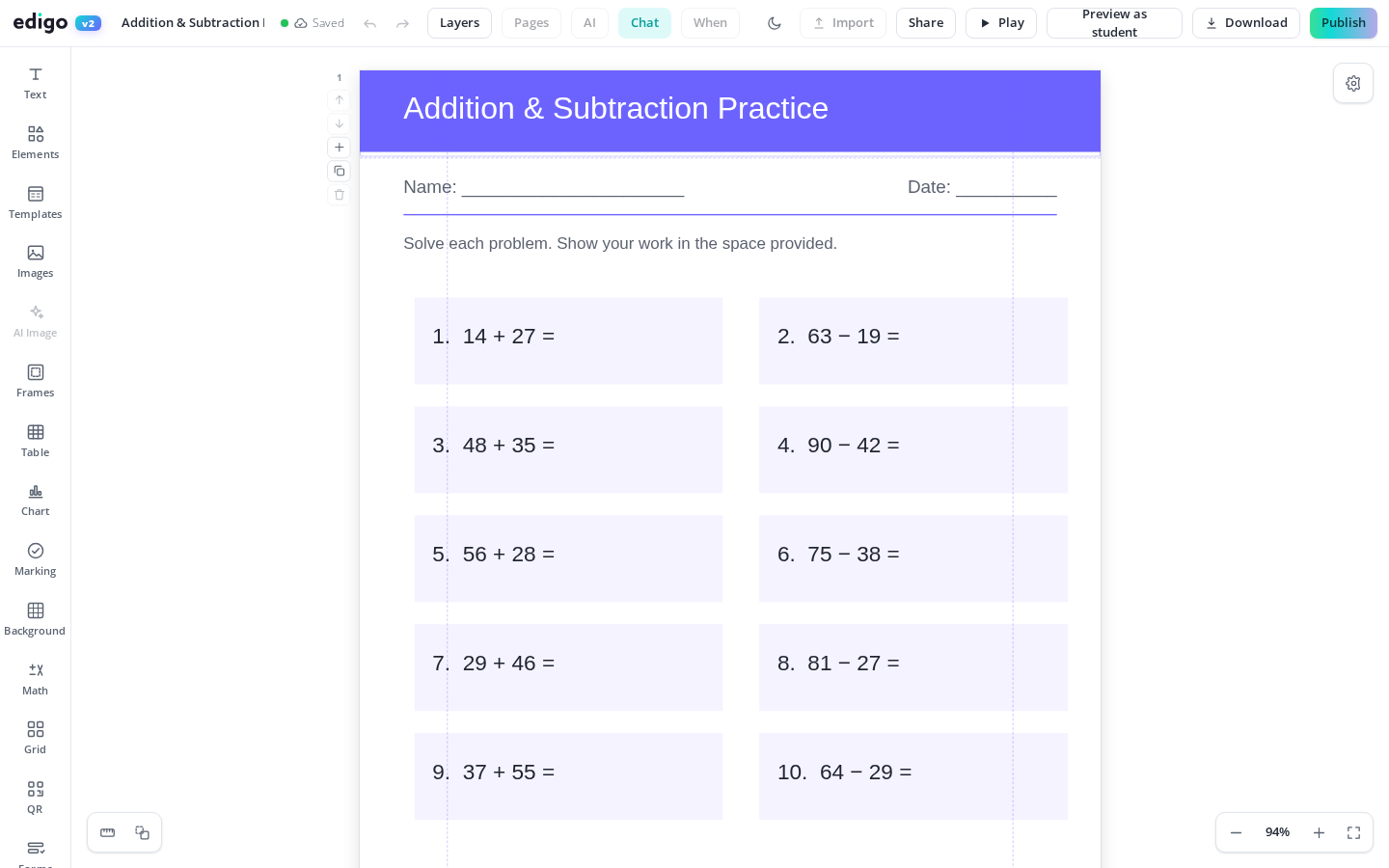
Made a brilliant A4 worksheet and now need it as a poster? Magic resize converts a whole design to another format in one click, keeping your layout intact. Turn slides into handouts, task cards into wall displays, and posters into flyers without rebuilding anything - free, fast and built right into Edigo.
Pick the size you need and magic resize reworks the entire design to fit it. What took an evening of copying and nudging now takes a single click.
Text, images, shapes and spacing are scaled and repositioned together, so the resized design still looks like the one you made, not a jumbled copy of it.
Reuse the lesson you presented as a printable page for pupils' books, or blow a key slide up to poster size for the classroom wall.
One reward chart becomes a display poster, a bookmark and a note home. Make the resource a single time and let resizing handle every version.
Teachers rarely need a design in just one size. The vocabulary mat wants to be a wall display, the certificate wants a smaller postcard version, the presentation wants a revision handout. Without magic resize, each version means a new file and an hour of realigning. With it, you keep one design and generate the rest on demand.
Magic resize does the heavy lifting, and the result stays a fully editable design. If a heading deserves to be bigger on the poster version, or you want fewer images on the flyer, adjust it in seconds. You are polishing a nearly finished page rather than starting from a blank one.
Yes. Magic resize is included in Edigo's free editor for teachers, so you can resize any design to any format as often as you like.
No. Rather than stretching the page, magic resize scales and repositions each element to suit the new dimensions, keeping text readable and images in proportion.
Yes. The resized design is fully editable, so you can tweak positions, sizes and text afterwards - useful when a poster deserves a bolder headline than a handout.
You can move between Edigo's document formats - worksheets, posters, slides, cards and more - so one piece of work fits print, display and screen.
Join thousands of teachers using Edigo — free to start.
Start for free