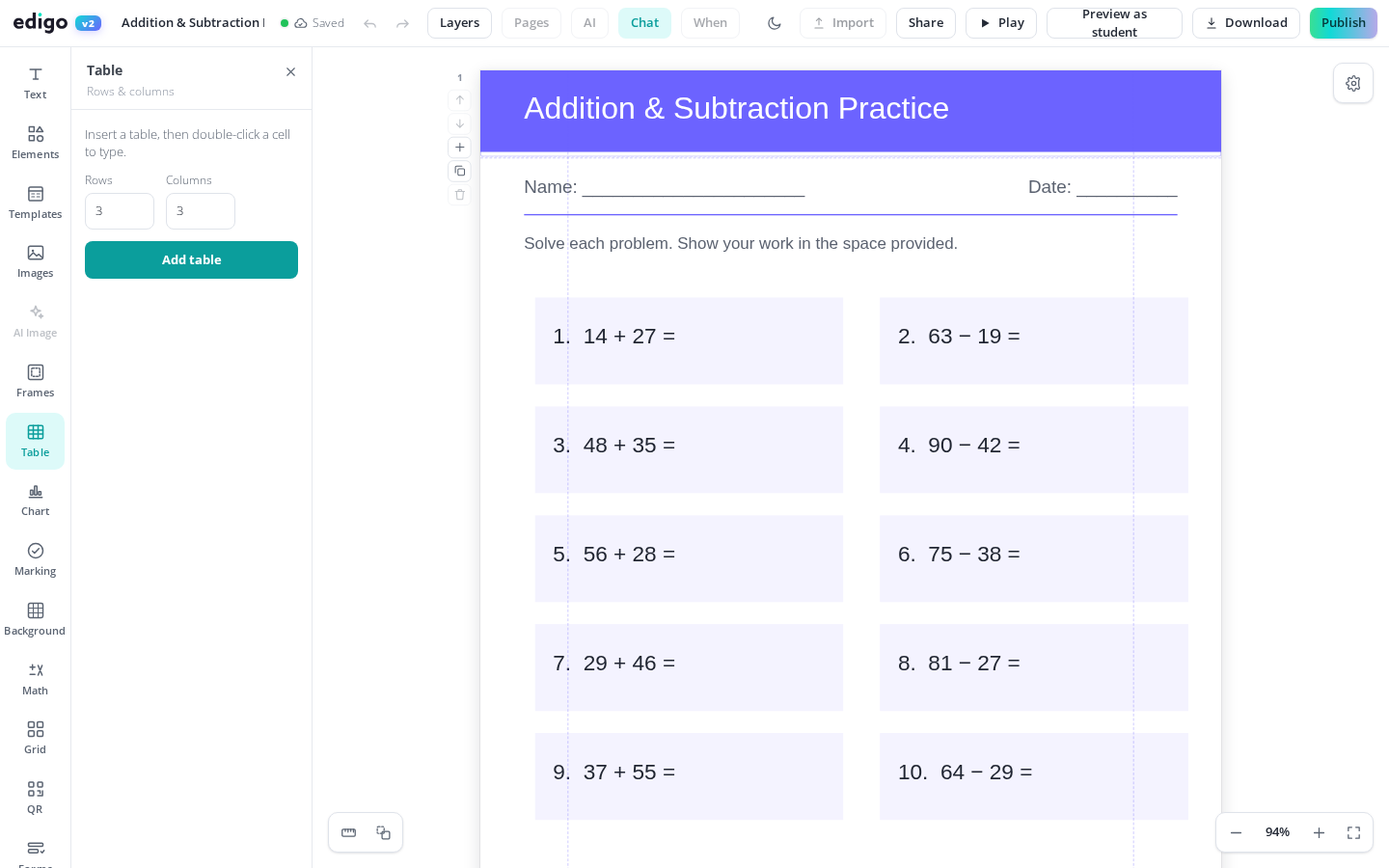
A good table does half the work of a worksheet: it organises the task, shows pupils where answers go, and keeps everything readable. Edigo's table maker lets you add a grid to any design, type straight into the cells, and style borders and header rows - all free, all in your browser, no other software required.
Click any cell and start typing. Text sits neatly inside the grid, and you can leave cells blank wherever pupils should fill in their own answers.
Choose bold gridlines for sorting activities, light lines for reference tables, or minimal borders when you simply want text and numbers to line up cleanly on the page.
Mark a header row so column titles stand out from the answers below, letting pupils see at a glance what belongs in each part of the table.
Resize a table to fill a page or tuck it into a corner. Combine it with images, text boxes and shapes to build complete worksheets and handouts.
Tables are quietly everywhere in teaching: vocabulary grids, KWL charts, timetables, lab results, marking rubrics, sorting activities. With Edigo you build them where the rest of your design lives, so a science results table sits beside its diagram and a vocabulary grid sits under its instructions - no fighting a word processor to keep everything aligned.
Start with the rows and columns you need, then adjust as the activity takes shape - an extra row for an extension question, an extra column for self-assessment. Because the whole table stays editable, you can reuse last term's layout for a new topic by changing the text rather than rebuilding the grid from scratch.
Yes. Tables are part of Edigo's free editor for teachers. Create as many as you like across worksheets, handouts, planners and posters at no cost.
Yes. Tables stay fully editable, so you can add rows and columns, resize them and restyle their borders at any point, even after the rest of the page is finished.
Absolutely. Leave cells empty and print the page for handwritten answers, or share the design so answers can be typed during a computer-room or hybrid lesson.
Yes. What you see on the page is what prints. Borders, header styling and cell text all export crisply to PDF or straight to your printer.
Join thousands of teachers using Edigo — free to start.
Start for free