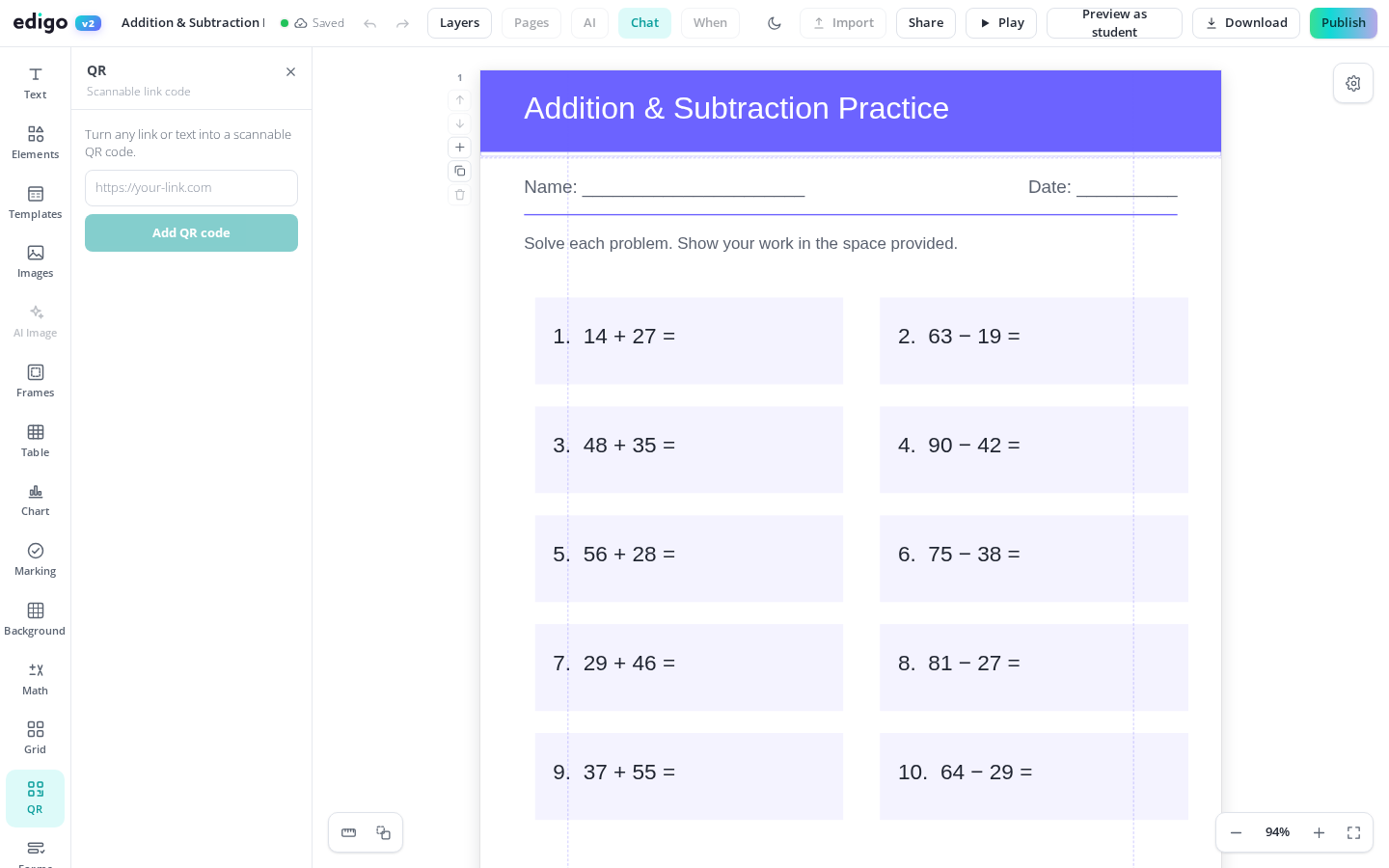
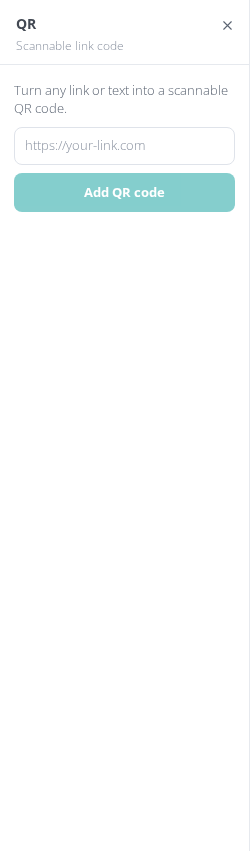
Edigo's QR code generator puts a scannable code right on your worksheet, poster or task card. Paste a link to a video, form or website and Edigo draws the code on the page for you. Students point a camera and go - no typing long URLs, no lost links, and no cost to you.
Type or paste any web address and the QR code appears on your design instantly. Move it, resize it and place it wherever it makes sense on the page.
Put a different code at each learning station so groups jump straight to their video, quiz or reading task without queueing at your desk to ask for the link.
Send worksheets home with codes that link to explainer videos or submission forms, so pupils working remotely reach the right resource on the first try, every time.
A QR code is just another object on the page, so you can label it, frame it and align it with your instructions rather than sticking one on afterwards.
Anyone who has watched a class mistype a link knows how much lesson time it burns. A printed QR code removes the typing entirely: pupils scan with a tablet or phone camera and land exactly where you intended. That makes flipped-learning videos, exit-ticket forms and research pages genuinely reachable, even for your youngest students.
Because the generator lives inside Edigo's editor, you never leave the page to make a code on some other website, download it and paste it back in. Everything happens in one place, so you can build a stations pack, a homework menu or a parents newsletter with every code sized, positioned and styled to fit the design.
Yes. QR codes are part of Edigo's free editor for teachers. Generate as many as you need across all your worksheets, posters and task cards without paying anything.
Any web address: YouTube videos, Google Forms, quizzes, class blogs, audio recordings or reference pages. If it has a link, your code can point students to it.
Yes. Codes stay sharp at print resolution. Keep them a sensible size - roughly two to three centimetres or larger - and standard phone and tablet cameras scan them reliably.
Yes. Select the code, edit its web address and the pattern regenerates instantly. Reprint or re-share the page and pupils scan through to the new destination.
Join thousands of teachers using Edigo — free to start.
Start for free